How to Roll Out Security Awareness Training That Actually Reduces Risk
A practical guide for IT and HR teams on launching security awareness training that changes how employees behave, with short lessons tied to real risks and records you can show an auditor.
The Artillo TeamUpdated September 24, 202613 min read
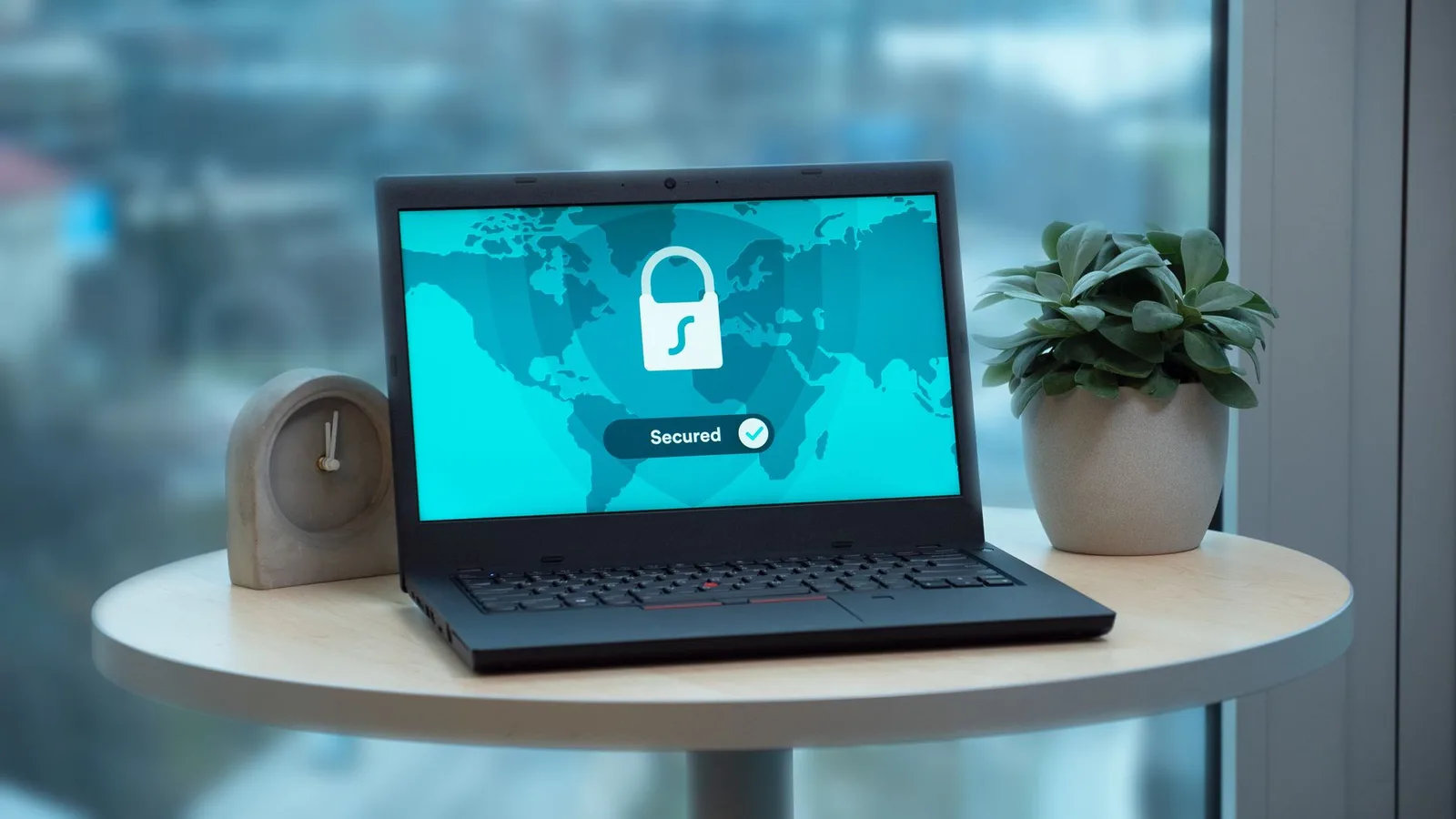
Most security incidents start with a person. Someone clicks a link in a convincing email, or reuses a password that leaked years ago on another site. A contractor shares a spreadsheet with the wrong people because the sharing settings were confusing. None of these people meant any harm, and most of them were busy doing their actual job when it happened.
Training is how you make those mistakes less likely, but an annual hour-long slideshow rarely changes anything. People sit through it, pass a quiz they could have guessed, and forget it by the following month. This guide walks IT and HR teams through a rollout that people actually remember, from choosing what to teach first to proving to an auditor that the training happened.
1. Start from the behaviors behind real incidents
Teaching cybersecurity in the abstract doesn't stick. Employees don't need to understand how encryption works or what a botnet is. They need to recognise the handful of situations where their own actions decide whether an attack succeeds, and they need to know what to do in each one.
The best place to find those situations is your own history. Look at the incidents and near misses your organisation has had over the last year or two, and ask the IT or security team which ones worried them most. Build the first modules around the behavior that would have prevented each one. If you don't have much incident data, the security team's sense of where people are most exposed is still a better guide than a generic curriculum.
Here is a typical example. A finance assistant receives an email that appears to come from a regular supplier, asking for future payments to go to a new bank account. The request is polite, the logo is right and the timing matches the end of the month. The behavior that stops this attack is simple: confirm any change of payment details by phoning a number you already have, never one from the email itself. A two-minute lesson built around that one rule is worth more than an hour of general theory.
Behaviors worth training first
- Spotting phishing and social engineering attempts
- Using unique passwords and a password manager
- Handling sensitive data and reporting a suspected breach
- Keeping devices secure, especially when working remotely
When every module points at a concrete risk, employees understand why they're being asked to take it. You also get something you can measure later, such as how often people report suspicious emails or how many accounts have multi-factor authentication switched on. Those numbers become the evidence that the program is working, which matters when budgets are reviewed.
2. Agree the goals with IT and leadership before launch
Security awareness sits between departments. HR often owns the training platform and the relationship with employees, while IT owns the risk and the technical controls. Programs stall when neither side feels responsible, or when both assume the other one is handling communication. A short conversation before launch avoids most of that.
Decide who owns the content and who answers questions when an employee isn't sure whether an email is safe. Then ask a senior leader to introduce the program in their own words. A two-line message from the chief executive or head of operations tells employees this is part of the job, and it makes managers far more likely to follow up with their teams.
Plan the announcement itself as carefully as the training. Explain why the program exists, how much time it will take each month and what people should do if they see something suspicious. Avoid launching in the busiest week of the quarter. A program that arrives during a quiet period gets a fairer hearing, and the first module will be finished by more people.
3. Teach in short, frequent lessons
A long course taken once a year is mostly forgotten within weeks. Memory research has shown for a long time that spaced repetition beats cramming, and security habits are no different. Short microlearnings that take a few minutes fit around real work and keep the topic fresh without taking people away from their jobs for an afternoon.
A practical rhythm is one short lesson every two weeks, with the highest-risk subjects repeated more often than the rest. Phishing deserves the most attention, because it is the entry point for so many incidents and attackers keep changing their tactics. Topics that change slowly, such as clean desk rules, can come round once or twice a year.
Keep each lesson focused on a single idea. A three-minute module on spotting a fake invoice will be remembered far better than a thirty-minute module that covers several topics at once. If a lesson needs more than one learning objective, it should probably be two lessons.
Security habits come from repetition. A few minutes every couple of weeks beats one long session nobody remembers.
4. Write lessons people can use on Monday morning
The best security lessons look like the working day. Instead of describing phishing in general terms, show an email that resembles the ones your employees actually receive, and walk through the clues one at a time. Instead of listing password rules, show how to set up the password manager your company provides. People remember what they have practised, so give them a chance to make a decision in every lesson.
Plain language matters more than technical accuracy at this level. Words like vector, payload and exfiltration make sense to the security team and to almost nobody else. If your workforce speaks more than one language, offer the training in each of them. A lesson in someone's first language is easier to follow, and it signals that the organisation took their situation seriously.
5. Match the training to each role
Different jobs attract different attacks. Finance staff see fake invoices and urgent requests to change a supplier's bank details, often timed for the end of the month when everyone is busy. Engineers and administrators are targeted for their credentials and access, because one compromised account can open the door to many systems.
Senior leaders receive carefully researched messages that impersonate partners or board members, sometimes followed by a phone call to make the request feel real. Frontline and shift workers face different pressures again. They often share devices and check email on their phones between tasks, and they may not have a desk where they can stop and think before clicking.
Assign learning pathways by role so each group practises the threats it will actually meet. Everyone still gets the common foundation, but the examples and extra modules reflect the work people do. Employees notice when training was written for someone else, and relevance is one of the strongest predictors of whether they pay attention.
Don't forget people who sit at the edge of the organisation. Contractors and temporary staff often have access to the same systems as employees but are left out of training because they aren't in the HR system. Agree with IT how these people will be enrolled, and give them the same baseline module before their accounts are switched on.
6. Plan the first 90 days
A rollout goes more smoothly when people can see where it's heading. Break the first three months into stages, so the program starts with the essentials, builds habits over time and ends with a first look at whether behavior has changed.
A 90-day rollout plan
Days 1 to 30
A leadership announcement and a short baseline module for everyone.
Days 31 to 60
Role-based pathways begin, with a short lesson every two weeks.
Days 61 to 90
A first refresher on phishing and a review of completion by team.
Day 90
Compare reporting and completion figures with the starting point.
The first month is about reaching everyone once. The baseline module should be short and practical, and it should end by showing people exactly how to report a suspicious message. By the end of the third month you'll have enough data to see which teams are engaged and which need more support from their managers.
7. Make reporting easy and welcome
The most valuable thing an employee can do when something looks wrong is to tell someone quickly. A reported phishing email gives the security team a chance to block the sender and warn others before anyone else is caught. That only happens if reporting is simple and people feel safe doing it.
Give employees one clear way to report, ideally a button in their email client, and make sure somebody acknowledges each report. When people report something that turns out to be harmless, thank them anyway. If the response to a false alarm is irritation, they'll hesitate next time, and the next report might be the one that matters.
Close the loop whenever you can. If a reported email turned out to be part of a wider campaign, tell the person who spotted it, and consider sharing an anonymised version with the whole company. People who see that their reports led to action keep reporting, and their colleagues learn what a real attack looks like.
Be especially careful with people who report their own mistakes. Someone who clicked a link and immediately told IT has done exactly the right thing, and the way you respond will be noticed by their colleagues. Treat those reports as a success for the program, because they are.
8. Bring managers into the program
Managers shape how seriously their teams take security training. If a manager mentions the latest module in a team meeting, completion in that team goes up and the lessons come up in conversation. If a manager treats the training as a distraction, the team will too.
Give managers a simple view of their team's progress and a short summary of what each module covers, so they can talk about it without becoming experts. Ask them to raise one security topic a month, even briefly. A two-minute conversation about a suspicious email someone received last week does more for awareness than another reminder from the training platform.

9. Record completion in a way you can prove
Auditors and cyber insurers increasingly expect security training, and either may ask who completed which course and when. Some customers now ask the same question during procurement, especially if you handle their data. A spreadsheet assembled by hand the night before a review is stressful to produce and easy to challenge.
Choose a platform that reports completion by team and issues certificates, so producing that evidence takes minutes. The records should show the date of completion and ideally the version of the content each person saw. When a policy changes and you update a module, you'll want to know who took the old version and who has seen the new one.
Think about how long you need to keep these records. Many organisations keep training evidence for several years, because questions sometimes arrive long after an incident or contract. Records that can't be quietly edited afterwards carry far more weight than an editable spreadsheet.
10. Make it easy to start
Programs launch faster when nobody has to create another account. Enroll people in bulk from your HR system or identity provider and assign the first modules by role, and whole departments can begin within days. New starters should be enrolled automatically as part of onboarding, so nobody slips through the gap between hiring and their first lesson.
Pay attention to access on mobile devices. Many employees, particularly in the field or on shift, will do their training on a phone during a quiet moment. If the lessons don't work well on a small screen, completion in those groups will lag behind the office teams.
11. Measure what changes
Completion rates tell you the training reached people. They don't tell you whether anyone behaves differently. To see that, pick a few signals that reflect the behaviors you set out to change, and track them from before the program starts.
Useful signals include the number of suspicious emails reported each month, the time between a phishing email arriving and the first report, and the share of accounts protected by multi-factor authentication. If you run simulated phishing campaigns, the reporting rate matters more than the click rate. A team that reports quickly is protecting everyone, even if a few people still click.
Short surveys can add another angle. Asking employees how confident they feel about spotting a suspicious email, before the program and again after six months, shows whether the training has changed how people think about the subject. Confidence alone isn't proof of safer behavior, but a rise in confidence alongside a rise in reporting is a good sign.
Share the results with leadership every quarter in plain language. A short summary that says reports have doubled and response time has fallen will do more for the program's budget than a page of completion percentages.
12. Keep the program fresh
Attackers follow the calendar and the news. Around tax season, holidays and major public events, phishing emails change to match what people are expecting to receive. A program that uses the same examples for two years will start to feel stale, and employees will stop paying attention.
Review your modules at least twice a year with the security team and replace examples that no longer look like real attacks. When a new tactic appears in your own inbox, turn it into a short lesson within a few weeks. Timely content shows employees that the program is watching the same threats they are.
13. Support the people who struggle
In any organisation, a small group of people will click on simulated phishing emails more often than their colleagues, or fall behind on their modules month after month. It's tempting to single them out, but public blame rarely helps. People who feel embarrassed stop asking questions, and they may hide a real mistake when it happens.
A better approach is quiet, practical support. Offer extra short lessons on the specific situation that caught them, and ask their manager to check in privately. Sometimes the cause has nothing to do with attention. A person who handles hundreds of emails a day from outside suppliers is simply exposed to more risk than someone who mostly talks to colleagues, and their training should reflect that.
Look for patterns as well as individuals. If one team struggles consistently, the problem may be their tools or their workload, and a conversation with the team lead can reveal things no dashboard will show. Perhaps they share a mailbox, or their jobs require them to open attachments from unknown senders all day. Fixing the process around them can reduce risk faster than more training.
14. Rehearse what happens after a mistake
Even a well-trained workforce will make mistakes, so part of the program should cover what happens next. Employees need to know who to call if they entered their password on a suspicious page, and they need to believe that calling quickly is the right choice. The first hour after a compromised account often decides how much damage an attacker can do.
A short module on this topic can walk through a realistic example from start to finish. It should show what the person noticed, who they contacted and what the security team did in response. Keep the contact details in the lesson current and easy to find later, since people rarely remember them under pressure. Some organisations print the reporting steps on a card or add them to the intranet home page, so nobody has to search for them in a hurry.
If you clicked a suspicious link
- 1
Stop
Close the page and don't enter anything else.
- 2
Report it
Contact the security team straight away, using a number or channel you already know.
- 3
Change your password
Do it on a trusted device if the team asks you to, and check that multi-factor authentication is on.
- 4
Watch for signs
Report any odd sign-in alerts or messages sent from your account.
Mistakes to avoid
The most common mistake is treating security awareness as a yearly compliance task. A single annual course satisfies a checkbox, but it doesn't build habits. Another is using fear as the main motivator. Scary stories grab attention for a day, yet people who feel anxious about security tend to avoid the subject rather than engage with it.
It's also easy to overload people at the start. If the first month brings a long course, a policy document and a surprise phishing test, employees will see the program as a burden. Start small, keep a steady rhythm and add depth once the basics are in place.
Finally, don't measure success by completion alone. A program where everyone finished the modules but nobody reports suspicious emails hasn't reached its goal yet. Keep asking whether behavior is changing, and adjust the content when it isn't.
How Artillo helps
Artillo delivers security awareness training as microlearnings and full courses, with learning pathways assigned by role. Admins can enroll whole teams at once and follow completion on a single dashboard, and certificates carry your own branding. Overdue reminders go out automatically, and managers receive a regular digest of who on their team still has training outstanding.
Every completion is kept in a tamper-evident record that you can export when an auditor, insurer or customer asks. Training works on web and mobile, in Uzbek and Russian as well as English. Most organisations are up and running in under two weeks. Book a demo and we'll map a program to the risks your organisation actually faces.
The Artillo TeamUpdated September 24, 202613 min read